 On Google Play
OpenNoteHandwritten notes that feel like paper.
OpenNote is a notebook for writing and sketching by hand. Fill pages with ink, sort them into folders, and back everything up to a single file — it works offline.
Available now for Android. An App Store release for iPhone and iPad is coming soon. Read the OpenNote privacy policy
Who it’s for
Students, journal keepers and anyone who thinks better with a pen than a keyboard.
What it helps you do
Capture handwritten notes and sketches, keep them organised, and find them again quickly.
Where it stands
Available on Google Play for Android. App Store version coming soon.
Your next step
Install OpenNote from Google Play and start a notebook.
What it helps you do
A notebook that keeps up with your hand.
Write like it’s paper
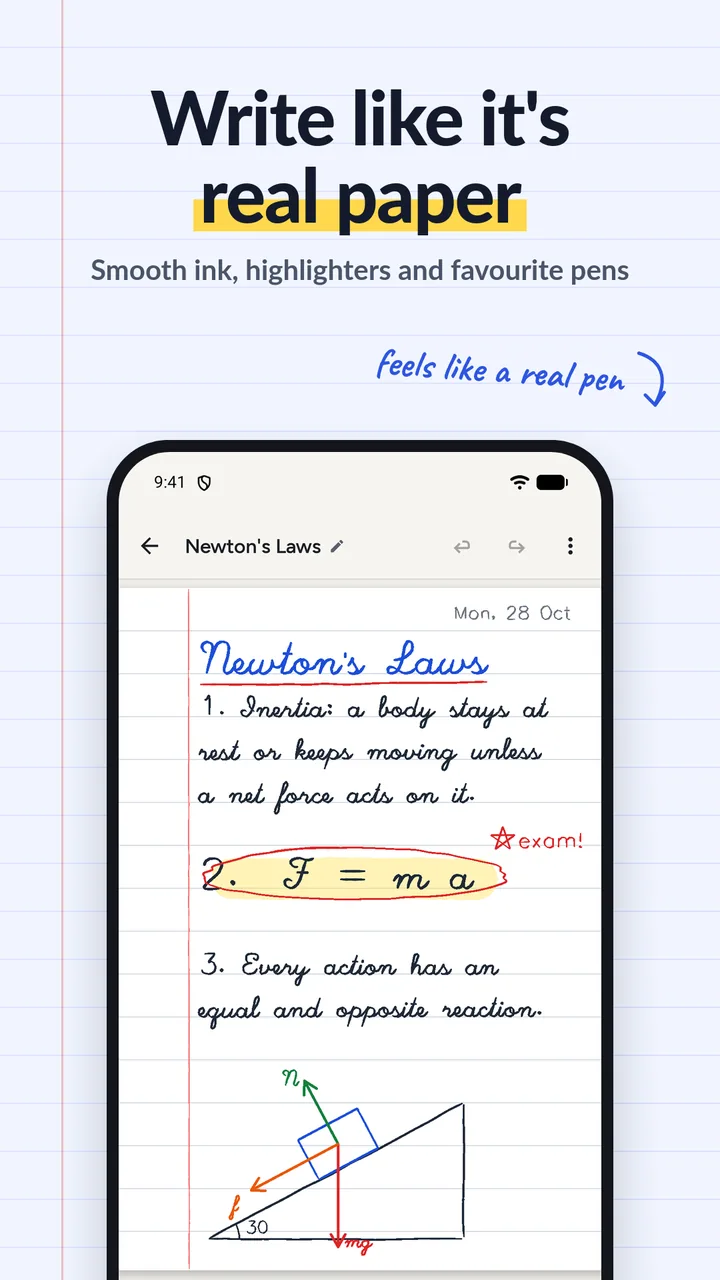
Pens, pencils, highlighters, shapes, lines and text across multiple pages, with undo, zoom and pan.
Find any note fast
Folders, tags, favourites and colour covers. Star the notes you come back to.
Never lose a note
Back up every note, folder and picture to one file, and restore it on another device.
Share what you make
Send a note as a PDF or the current page as an image, through the app you choose.
Recover with the bin
Deleted notes and folders wait in the bin until you decide to remove them for good.
In your language
Switch between English, Hindi and Bengali without restarting, in light or dark mode.
Inside the app
Write and sketch with smooth ink. 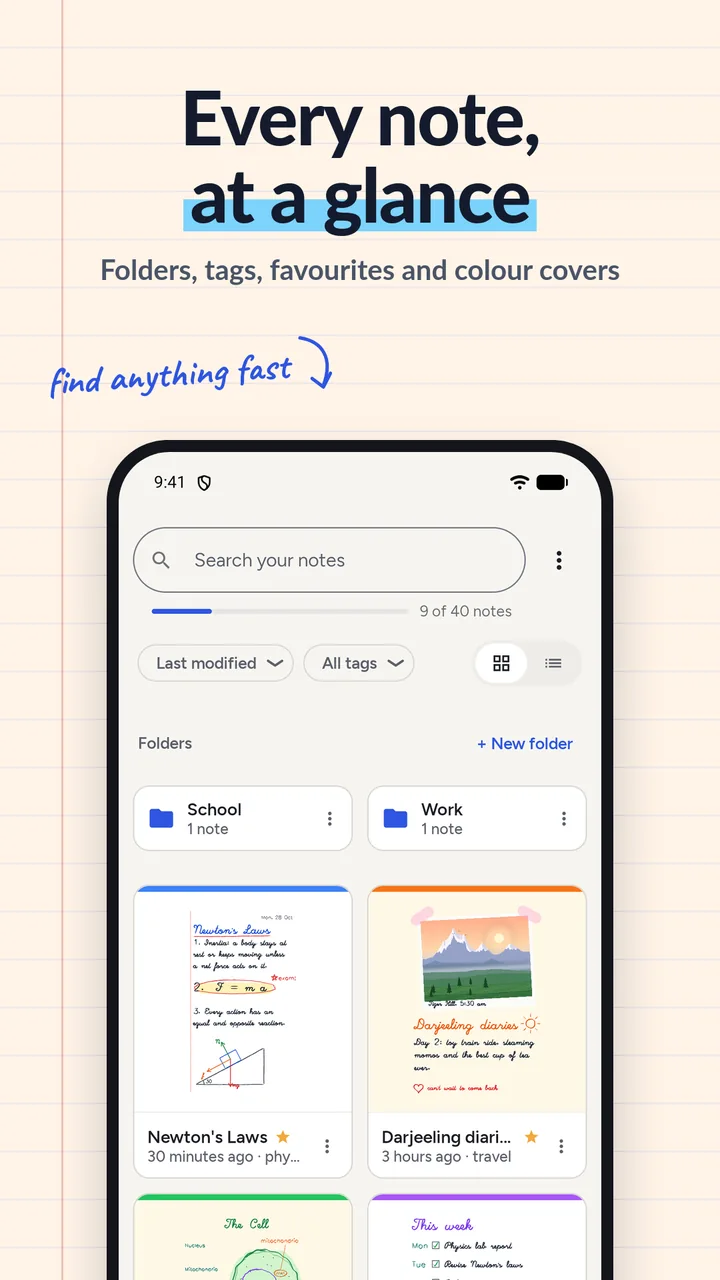
Folders, tags and favourites. 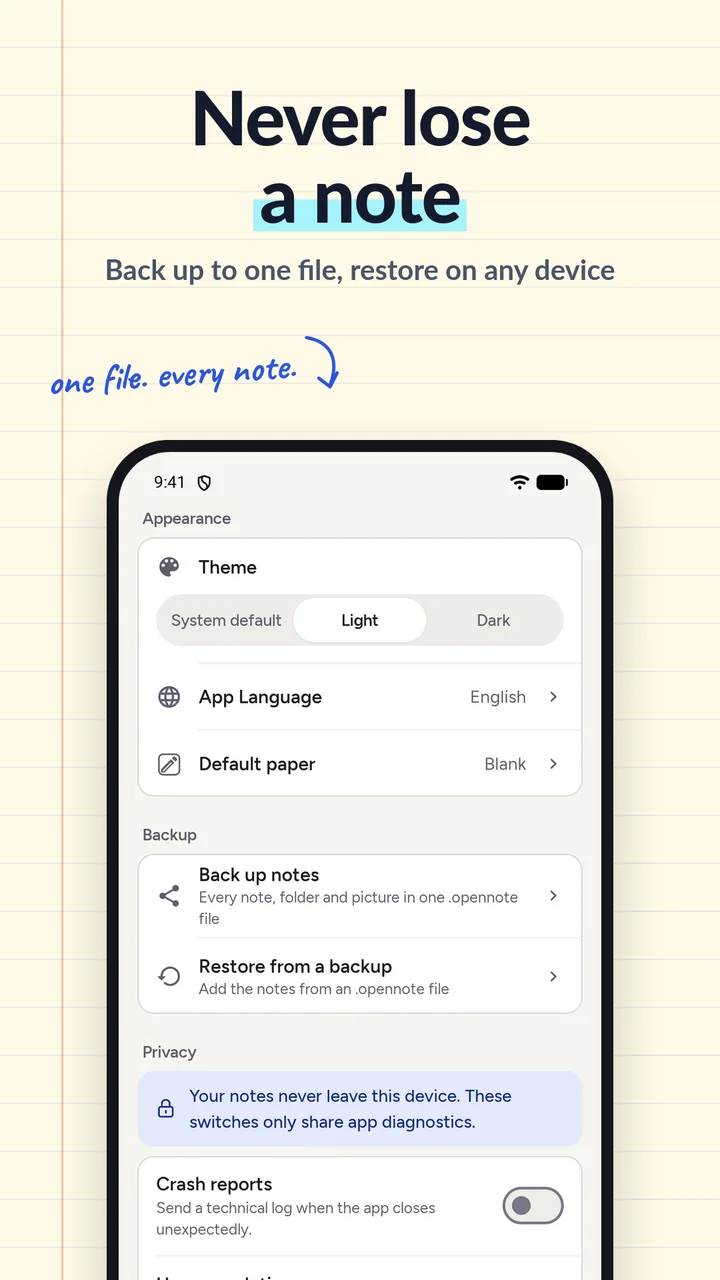
One-file backup and clear privacy switches.
Your notes stay on your device
The developer has no access to your notes. Optional usage analytics and crash reports are off by default, and each has its own switch in Settings.